Ultimate Guide to AI Application Prototyping: Rapidly Build and Test Your AI MVP

The Journey of Crafting AI Prototypes
Building an AI application prototype can feel like navigating a maze. The thrill of innovation is often clouded by uncertainties and complex technicalities. I remember my first foray into prototyping an AI model for a local nonprofit aiming to streamline their volunteer scheduling. The excitement quickly turned into a jigsaw puzzle of data, algorithms, and user needs. The good news? Anyone can carve out a successful path with the right guidance and mindset. Let’s explore how to effectively sculpt your AI MVP.
Understanding the Basics of AI Prototyping
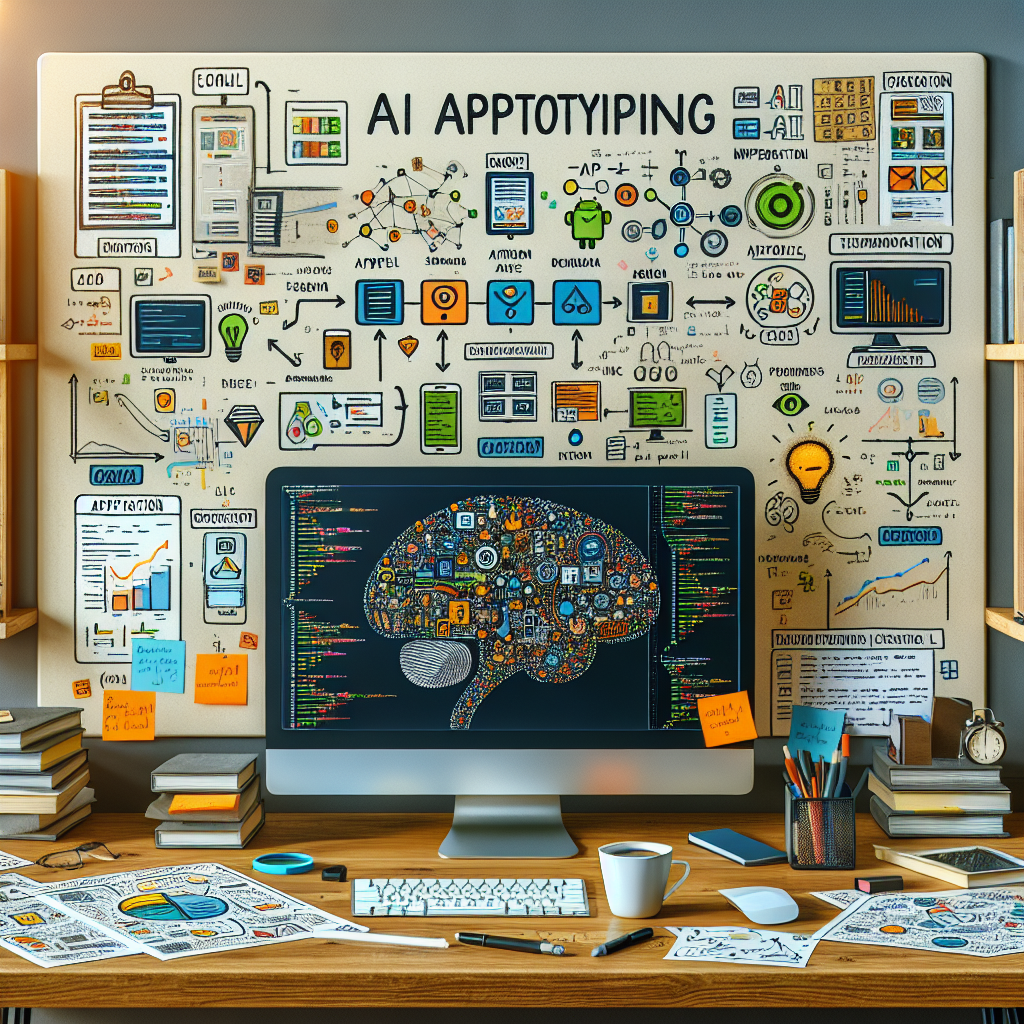
Prototyping isn’t just about slapping together some code; it’s a methodical yet creative process. At its core, you’re trying to validate ideas, understand user behavior, and iterate fast without waiting for a polished product. Think of it like sketching a rough outline of a painting before adding in the details. You get to experiment—and sometimes fail—without too much at stake.
Identifying Your Core Functionality
Before diving headfirst into code, you need to pinpoint what your AI application will actually do. This means talking to potential users, gathering insights, and becoming rooted in their pain points. For instance, a friend of mine worked on a chatbot designed to provide mental health support. Initially, they tried to cover all bases, including diagnosing conditions. After several focus groups, they honed in on simple, empathetic conversations. This allowed them to create a lightweight, functional prototype quickly.
Choosing the Right Tools
Tool selection can feel overwhelming. Whether you’re leaning towards frameworks like TensorFlow, PyTorch, or simpler tools like Google’s AutoML, each option has its perks. When I was developing that scheduling app, I opted for Python due to its vast library resources and community support. This choice minimized technical headaches and allowed for rapid experimentation.
Your Data Strategy
Data is the lifeblood of any AI application. But where do you start? First off, you need a robust data collection strategy. Skin the surface of existing datasets, or, if you’re feeling adventurous, create your own. A team I know decided to enhance customer service via AI by analyzing years of customer feedback. They utilized scraping tools to collect this data before training their model, which significantly improved the AI’s understanding of user sentiment.
Data Preparation and Cleaning
Having a treasure trove of data doesn’t help if it’s cluttered or irrelevant. Data cleaning might feel like washing dishes after a feast—necessary but tedious work. I vividly recall spending countless nights scrubbing raw data to eliminate inconsistencies that could skew results. Rinse, repeat. But trust me, investing this time pays off when your model starts delivering insights. A clean dataset means more accurate predictions and better user experiences.
Creating Your Prototype
Now comes the fun part: building your prototype. Depending on your goals, you can start coding from scratch or use low-code platforms for rapid development. When I was crafting the volunteer scheduling prototype, I utilized a combination of a lightweight front-end framework and a backend AI engine. It allowed me to iterate based on user feedback without drowning in technicalities.
Testing and Iterating
Testing isn’t a one-time event; it’s an ongoing dance. Engage real users with your prototype and watch them interact. Capture their reactions, frustrations, and triumphs. I rolled out an alpha version of my scheduling app to a small group of volunteers. Their feedback was invaluable—it revealed preferences I hadn’t even considered. Don’t be afraid to use that feedback to pivot and refine your application. Flexibility is your ally.
Deploying Your AI MVP
After rigorous testing and iterations, you’re nearing the finish line. Deployment isn’t just about launching; it’s about preparing for user support and gathering analytics to see how your AI performs in the wild. A real-world example comes from a startup focused on health monitoring. Upon release, they used tools like Google Analytics to fine-tune their user experience and catch bugs early.
Gathering Feedback Post-Launch
Once live, the real learning begins. Transitioning from prototype to MVP means actively seeking out user feedback through surveys, usability tests, and direct conversations. Don’t let the dust settle; keep the conversations open. You might find a feature users initially loved is not as useful as you thought. Embrace this iterative nature post-launch as part of your growth journey.
Bringing It All Together
Embarking on the journey to create an AI application prototype can seem daunting, but remember: each step is a learning opportunity. The process is iterative, messy, and incredibly rewarding. So take a deep breath, buckle up, and dive in. As with my experience with the scheduling app, the path will have its roadblocks, but it’s all part of building something meaningful and impactful. Embrace the chaos, learn from it, and watch your ideas transform into reality.