Creating Your Perfect AI Avatar with Nano Banana
 ByJay
ByJayWhile generating abstract art is fun, creating a realistic human avatar requires a bit more precision. The goal is to move away from “AI-looking” faces and toward images with skin texture, natural lighting, and believable depth.
The Art of the Photo Prompt: Do’s and Don’ts
To get a photorealistic result, you need to describe the image as if you are a photographer directing a shoot.
Do’s:
Specify Camera Gear: Mentioning specific lenses or camera types helps the AI understand the “look.”
Try: “Shot on 85mm lens” (great for portraits) or “35mm film aesthetic.”
Describe the Lighting: This is the secret to realism.
Try: “Golden hour lighting,” “dramatic rim lighting,” or “soft studio butterfly lighting.”
Include Texture Details: Mention skin pores, stray hairs, or fabric textures to avoid a “plastic” look.
Try: “Intricate skin detail,” “linen texture on the shirt,” or “hyper-realistic eyes.”
Set the Background: A realistic avatar needs a realistic environment.
Try: “Blurred modern office background,” “sun-drenched cafe,” or “minimalist gray studio.”
Don’ts:
Avoid “Perfect” Descriptions: If you ask for a “perfect face,” the AI often creates something uncanny and unnatural.
Don’t Forget the Aspect Ratio: Think about where you are using the avatar. Square (1:1) is best for most social media profiles.
Avoid Generic Terms: Words like “man” or “woman” are too broad. Use descriptors like “a professional in their 30s” or “a person with a rugged beard.”
Best Practices for Photorealism
Use Color Hex Codes: To keep your branding consistent, specify colors. Since our brand color is #1E277A, ask the AI to include clothing or backgrounds in that specific navy blue.
Focus on Depth of Field: Using the term “bokeh” will blur the background and make the subject pop, just like a high-end DSLR camera.
Iterate on Expression: Don’t just settle for a blank stare. Ask for a “warm, confident smile” or a “thoughtful, neutral expression” to give the avatar personality.
Let’s Create an Example!
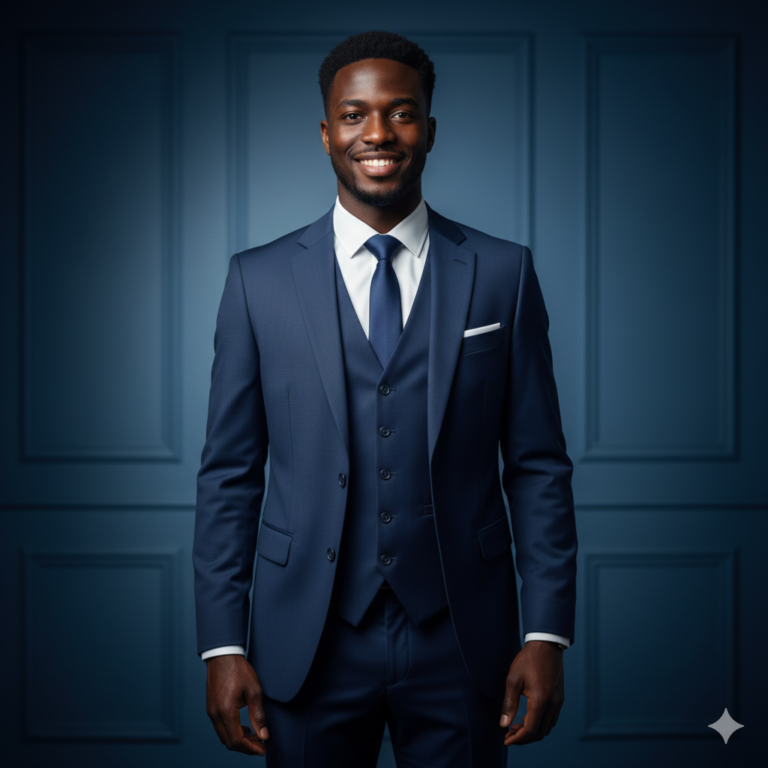
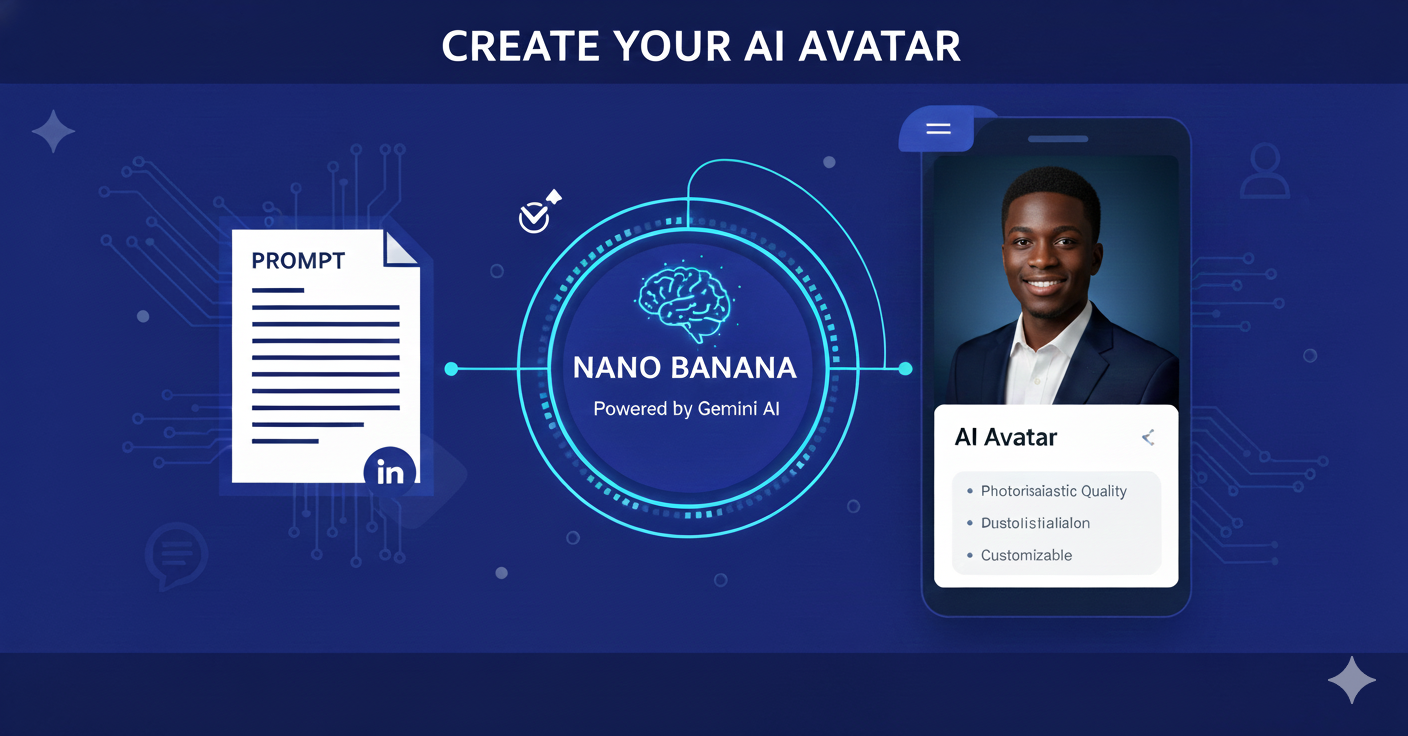
Let’s generate a professional avatar using our specific brand color and photography-focused prompting.
Prompt:
“A professional photorealistic portrait of a young man with a friendly, confident smile. He is wearing a high-quality tailored suit in navy blue (#1E277A). Shot on an 85mm lens with soft studio lighting. Deep blue background with a subtle gradient. High-resolution skin textures, sharp focus on the eyes, cinematic quality.”
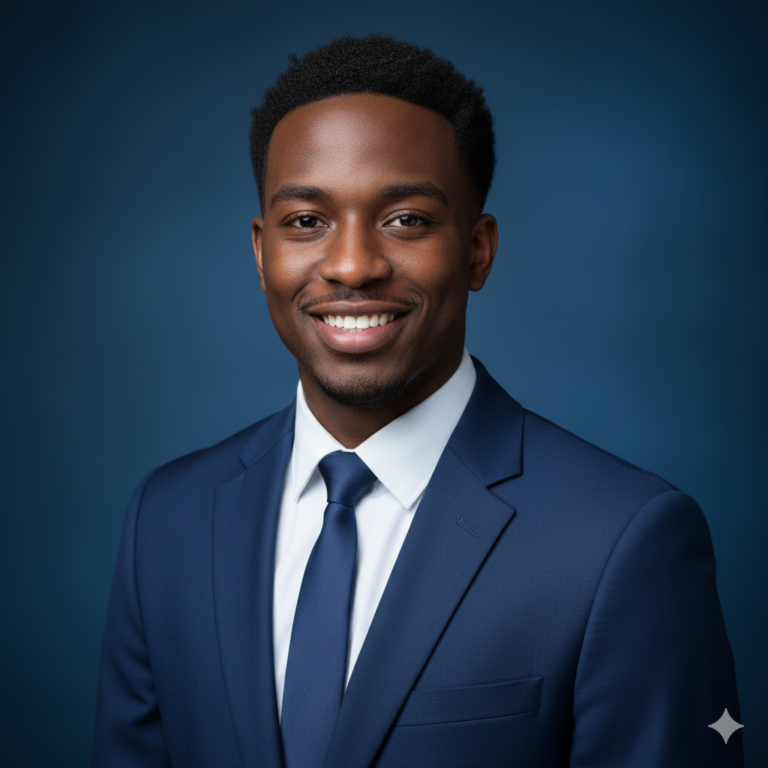
Prompt:
“A full-body photorealistic portrait of a young Black American man standing with a confident and approachable posture. He is wearing a high-quality tailored suit in navy blue (#1E277A) with polished black dress shoes. Shot on a wide-angle 35mm lens to capture the full figure from head to toe. Soft studio lighting with a subtle rim light to create depth. The background is a clean, deep blue gradient that matches the suit. High-resolution skin textures, sharp focus, and cinematic quality.”