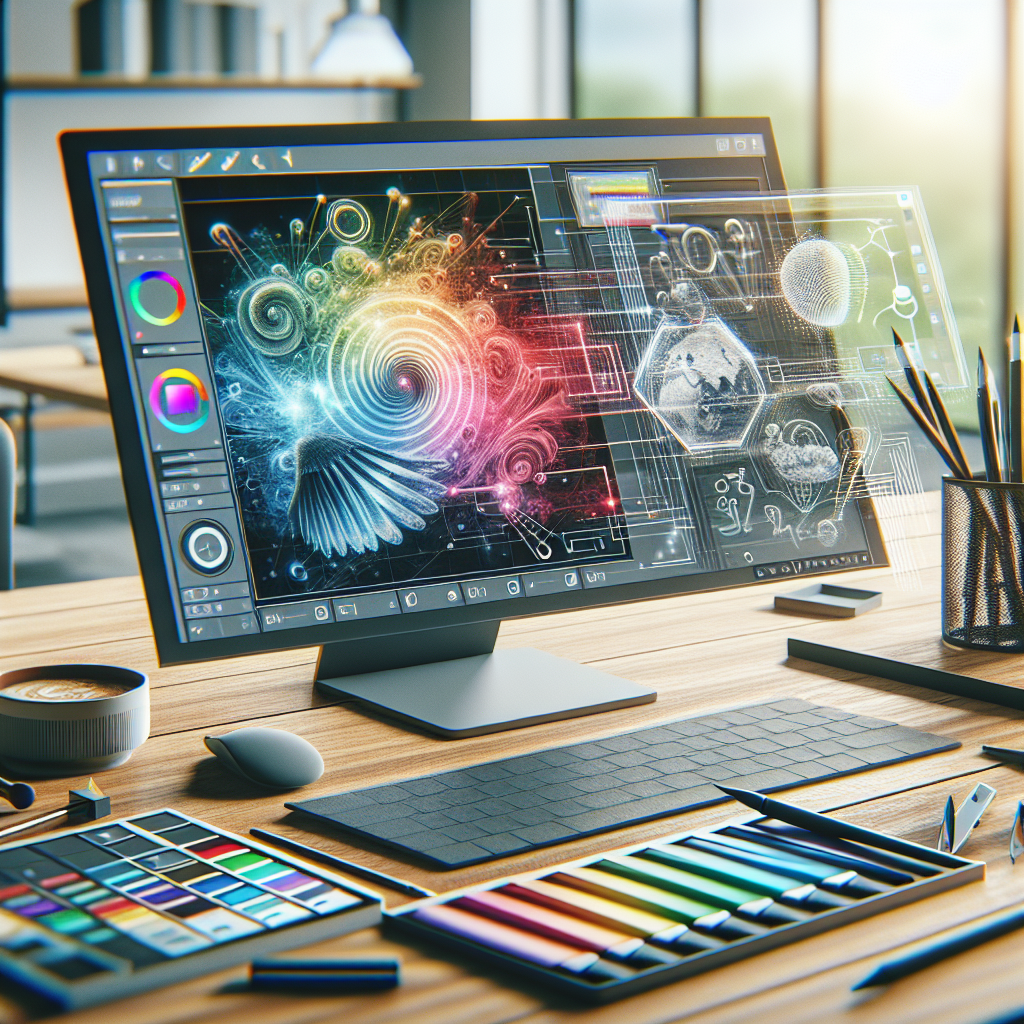
Google AI Studio Image Editing: AI-Powered Photo Enhancement

Understanding Google AI Studio for Photo Editing
Imagine you’ve just come back from an incredible trip, your camera full of stunning photos that capture the spirit of each moment. But when you get home, you find that the lighting was off or a passerby ruined that perfect shot. That’s where tools like Google AI Studio come into play, transforming your raw images into captivating visuals that tell your story more beautifully.
The Power of AI in Photo Enhancement
The marvel of Google AI Studio lies in its ability to enhance images in ways that used to require professional skills and high-end software. For instance, when you upload a photo that features a hazy sunset, this tool analyzes the colors, contrasts, and the overall mood of your shot before adjusting it seamlessly. It can boost saturation, refine details, and give your photos that wow factor, all while saving you hours of fiddling in various software.
Personalizing Your Edits
What sets Google AI Studio apart is the emphasis on personalization. With traditional editing tools, you often have to sift through countless filters and settings. Google AI Studio does the heavy lifting, allowing you to focus on what you think looks best. Picture this: you’ve uploaded a family picnic photo that needs some sprucing up. Instead of simply applying the same filter to everyone and everything, you can fine-tune aspects like brightness on your faces while creating a more muted background, bringing the real-life vibrancy of the day back into focus.
A Case Study: The Wedding Photographer
Consider a wedding photographer who captures a breathtaking moment during the ceremony but struggles with a harsh afternoon sun that casts unflattering shadows. Using Google AI Studio, the photographer uploads the shot and employs the AI’s capabilities to soften those shadows and enhance the natural hues of the flowers, making them pop without losing the essence of the moment. The bride and groom are ecstatic to see their picture transformed into something they’ll treasure forever—without the photographer having to spend hours tweaking it on their computer.
Accessibility for Everyone
Another standout feature of Google AI Studio is its approachability. Not everyone has the time or expertise to understand intricate editing software. This platform breaks that barrier down. Whether you’re a budding photographer, a social media enthusiast, or someone just wanting to enhance family photos, Google AI Studio provides an intuitive interface that feels welcoming. Even my mom, who struggles with tech, found editing her treasured photos easy and enjoyable, thanks to the straightforward design and AI assistance.
Tackling Ethical Considerations
However, as we embrace these innovative tools, it’s crucial to maintain a sense of ethics in photo editing. We’ve all seen manipulated images online that skew reality, and while it’s tempting to enhance photos to perfection, it’s essential to strike a balance between creative expression and authenticity. By using Google AI Studio responsibly—enhancing aspects of an image while keeping the original story intact—you can celebrate the beauty of true moments without crossing that line into misinformation.
Finding Your Voice with AI-Assisted Tools
In a world overflowing with images, using a tool like Google AI Studio can help you discover your editing style. Embrace the enhancement options to explore different moods—whether that’s a vintage vibe for a travel picture or a polished, vibrant touch for action shots at a family gathering. The AI doesn’t just change your photos; it encourages you to think about what you want to convey through your visuals.
As the relationship between technology and creativity deepens, tools like Google AI Studio are beginning to define the future of photo editing. Instead of merely relying on tech to do all the heavy lifting, engage with it, experiment, and let it guide your creative choices. You might find it opens up new avenues you hadn’t even considered.